

Table of Contents
Introduction to PES 2008 Mobile Offline Android
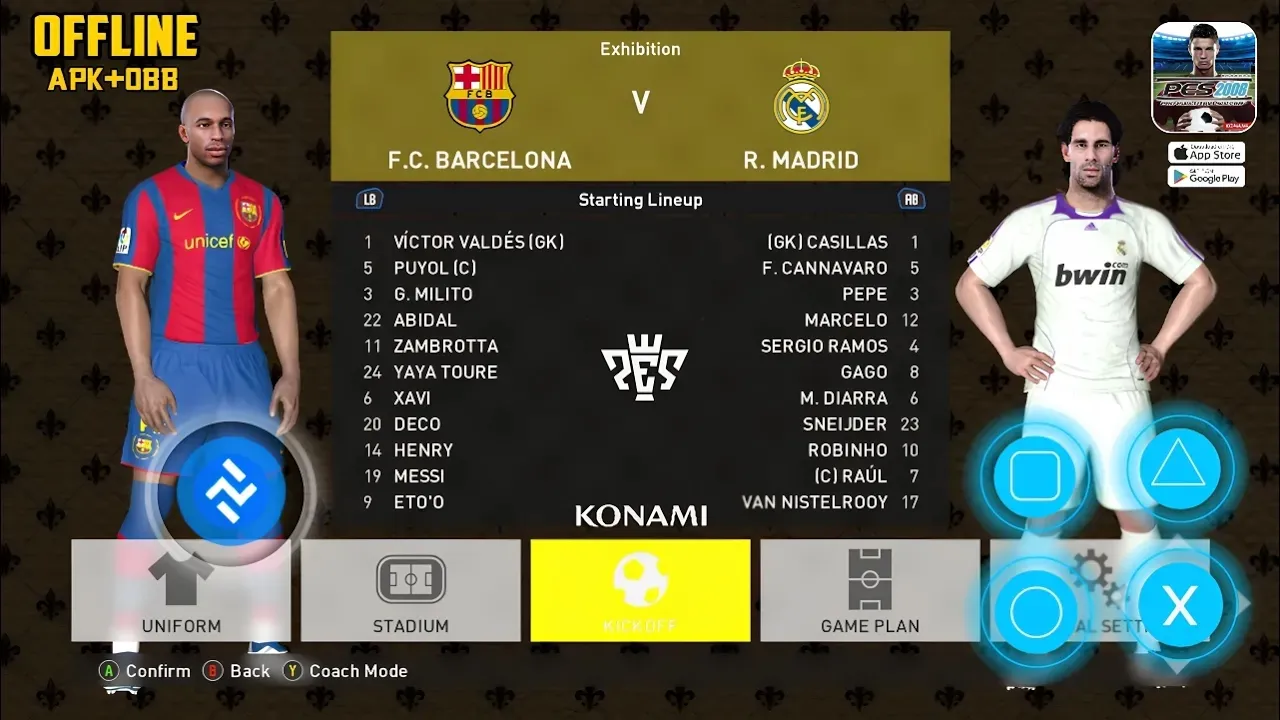
PES 2008 Mobile Offline Android is a unique football mod designed for players who enjoy classic Pro Evolution Soccer gameplay combined with modern mobile enhancements. This version is built using the FIFA 16 mobile engine while applying a full PES 2008 themed interface, menus, sounds, and gameplay atmosphere. The result is a nostalgic football experience with improved visuals and smooth performance for Android devices.
Unlike many modern football games that focus heavily on online features, this version is completely offline, allowing players to enjoy football anytime without internet connection. The mod combines the simplicity and classic feeling of PES 2008 with upgraded PS4-style graphics and realistic gameplay improvements.
Try This Game eFootball PES 2026 PPSSPP Android Offline 4K Graphics
FIFA 16 MOD Theme PES 2008 Experience
One of the biggest highlights of this version is the FIFA 16 MOD Theme PES 2008 integration. While the core engine is based on FIFA 16 mobile gameplay, almost every visual aspect has been redesigned to resemble PES 2008.
This includes:





- PES 2008 style menus
- Classic soundtrack and sound effects
- Old-school football atmosphere
- Redesigned loading screens
- PES-inspired gameplay presentation
These changes create a nostalgic football experience for longtime PES fans while maintaining the smoother mechanics of FIFA 16 mobile gameplay.
PS4 Graphics and Visual Improvements
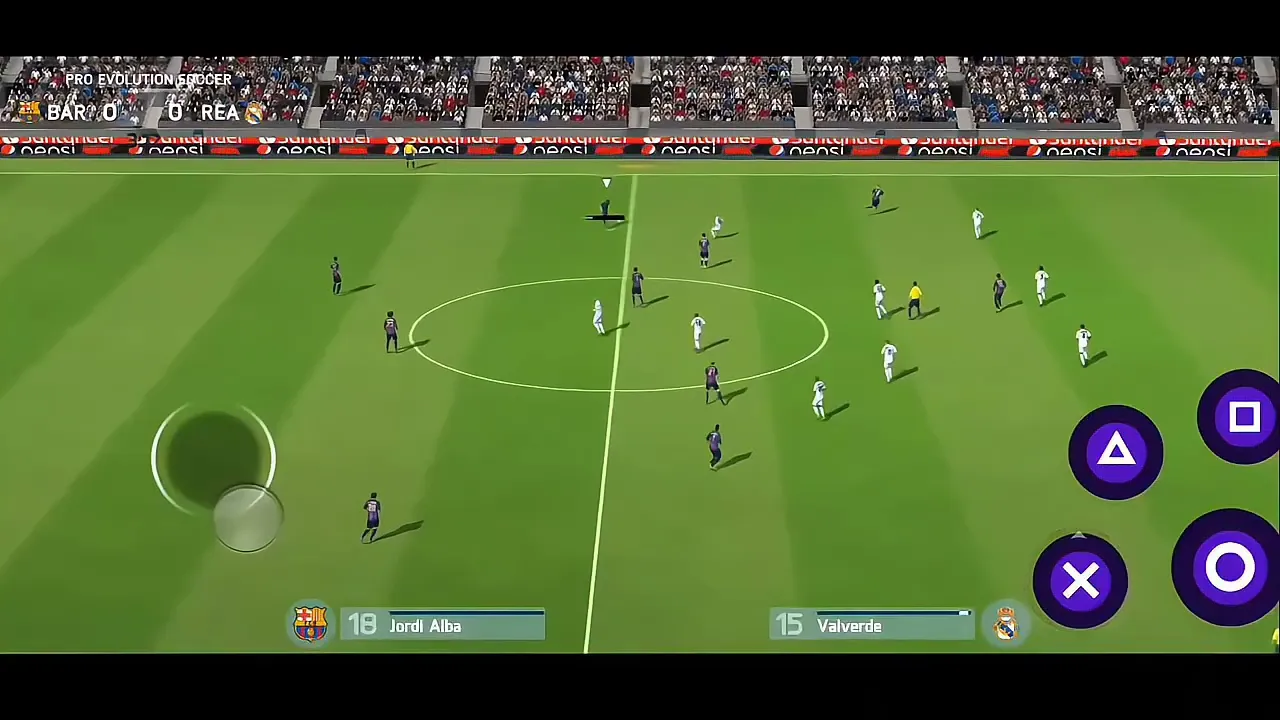
The game includes upgraded PS4-style graphics that significantly improve the visual quality compared to standard mobile football games. Enhanced textures and lighting effects create a more realistic football atmosphere during matches.
Visual improvements include:
- HD grass textures
- Improved stadium lighting
- Realistic player shadows
- Better crowd details
- Enhanced weather effects
- Smooth player animations
These graphical upgrades make the game look modern while preserving the classic PES identity.
Master League Mode
Master League is one of the most popular football game modes, and this version includes a fully playable offline management experience. Players can control clubs across multiple seasons, sign new players, adjust tactics, and compete in league competitions.
Features of Master League include:
- Team management system
- Transfer market functionality
- Player development progression
- Tactical customization
- League and tournament competitions
This mode provides long-term gameplay and increases replay value significantly.
Gameplay Mechanics and Controls
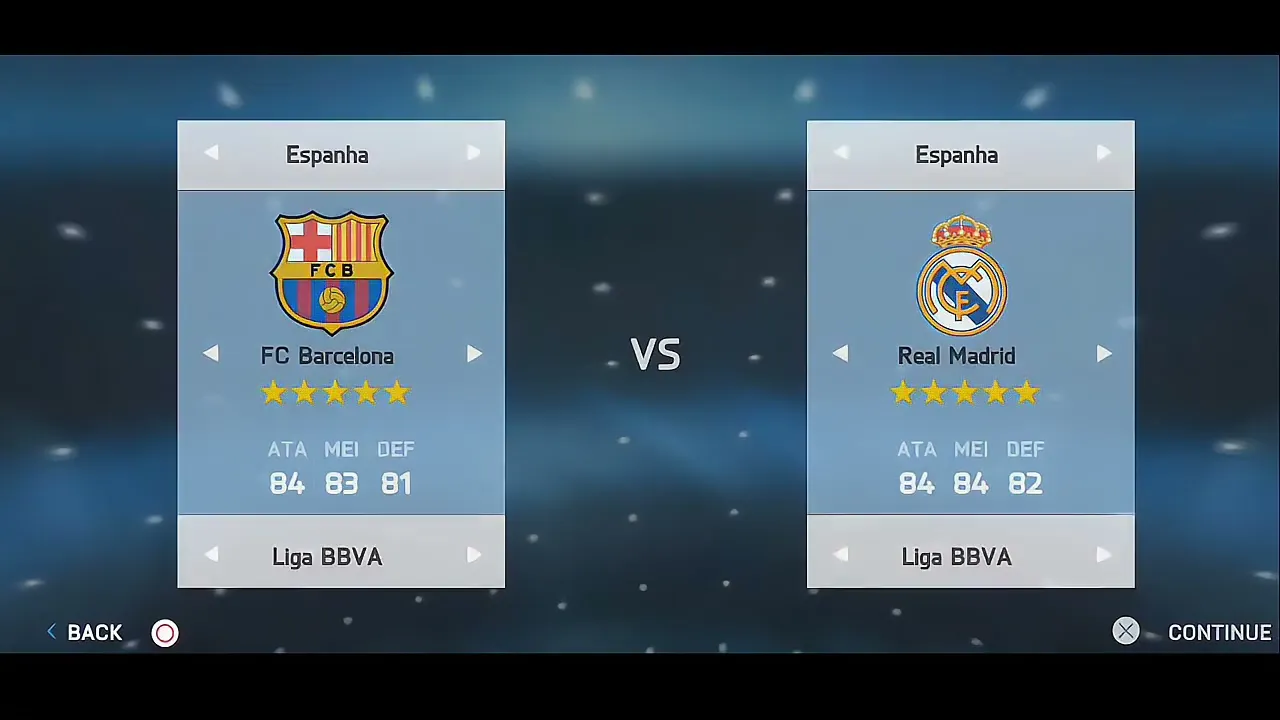
PES 2008 Mobile Offline Android focuses on balanced football gameplay that feels smooth and responsive. Passing, dribbling, shooting, and defending mechanics are optimized for touch controls while maintaining realistic football movement.
The AI has been adjusted to create competitive matches with better attacking and defensive behavior. Goalkeepers have improved reactions, while player movement feels more fluid during gameplay.
Controls are customizable, allowing players to choose layouts that best suit their playstyle.
Related Download FIFA 16 MOD FC 26 MOBILE ANDROID OFFLINE PS5 GRAPHICS
Offline Football Experience
The game is completely offline, making it ideal for users who want uninterrupted football gameplay without relying on internet access. Players can enjoy exhibition matches, tournaments, and Master League without online requirements.
Offline functionality also improves loading times and overall stability, especially on mid-range Android devices.
Leagues and Teams Included
This mod includes multiple football leagues and teams inspired by classic and modern football seasons. Clubs feature updated kits, logos, and player rosters to improve realism while preserving the PES 2008 atmosphere.
Leagues included may feature:
- Premier League
- La Liga
- Serie A
- Bundesliga
- UEFA competitions
- International teams
These additions provide variety and long-term replay value for football fans.
System Requirements for Android
- RAM: Minimum 2GB recommended
- Storage: At least 2GB free space
- Processor: Quad-core CPU or higher
- Android Version: Android 6 and above
File Information
- Game Name: PES 2008 Mobile Offline Android
- Engine: FIFA 16 MOD Theme PES 2008
- Platform: Android
- File Type: APK + OBB + DATA
- Mode: Offline
PASSWORD: mprogaming.com
How to Install PES 2008 Mobile Offline Android
- Download APK, OBB, and DATA files
- Extract files using ZArchiver
- Move OBB folder to Android/obb
- Move DATA folder to Android/data
- Install the APK file
- Grant storage permissions
- Launch the game and enjoy offline gameplay
Performance Tips
- Lower graphics settings on weaker devices
- Close background apps before launching the game
- Keep enough free storage space available
- Restart device if lag occurs
- Enable performance mode if available
FAQ
Is PES 2008 Mobile fully offline Yes the game works completely offline Does it use FIFA 16 engine Yes it is based on FIFA 16 MOD Theme PES 2008 Is Master League included Yes offline Master League mode is available Can low-end devices run it Yes with optimized settings
Conclusion
PES 2008 Mobile Offline Android delivers a nostalgic football experience by combining the classic PES atmosphere with the smoother gameplay engine of FIFA 16 mobile. The addition of PS4 graphics, Master League mode, and offline functionality makes it an excellent choice for football fans who enjoy retro football themes with modern improvements.
The FIFA 16 MOD Theme PES 2008 design gives players the feeling of returning to classic football gaming while still enjoying upgraded visuals and responsive gameplay. Whether you are a longtime PES fan or simply looking for a different football experience on Android, this mod provides hours of enjoyable gameplay.





One Comment