How to Install FIFA 16 Mods on Android
FIFA 16 Mod EA SPORTS FC 26, DFL 26 & UFL 26 Android Offline Installation Guide – Updated 25/26 Season Kits, Real Faces, Leagues & Smooth Gameplay

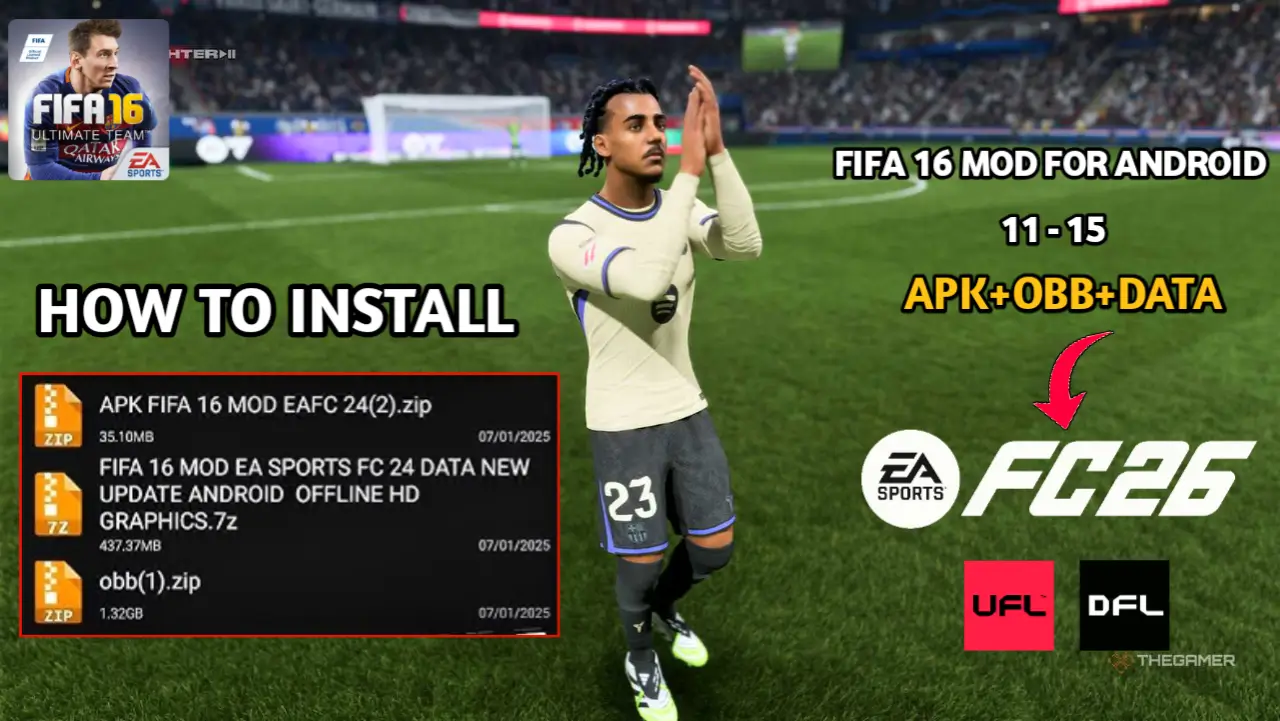
HOW TO INSTALL FIFA 16 MODS
Table of Contents
Introduction to FIFA 16 Mod EA SPORTS FC 26
FIFA 16 Mod EA SPORTS FC 26 is an upgraded mobile football experience for Android that brings the excitement of the 25/26 season to your device. With updated transfers, HD kits, real player faces, and full league coverage, this mod is a must-have for football fans who enjoy offline gameplay.
This version keeps the classic FIFA 16 gameplay mechanics while integrating modern FC 26 features, making it feel like a new-generation mobile football game.
Introducing FIFA 16 Mod eFootball 26
FIFA 16 Mod eFootball 26 is another offline Android football mod designed to replicate the modern eFootball 26 experience. It includes updated 25/26 squads, improved AI, realistic player faces, and HD kits for clubs and national teams.
This mod focuses on smooth match transitions, realistic animations, and tactical gameplay, making it ideal for fans who want a console-like football experience on mobile.
Introducing FIFA Mod DFL 26
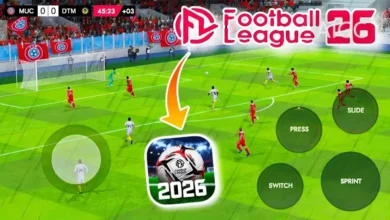
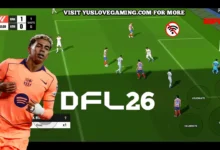
Dream Football League 26 (DFL 26) is another popular offline football mod for Android. It focuses on career-style gameplay, allowing players to manage clubs, transfer players, and compete in leagues without internet access. DFL 26 also includes updated 25/26 season squads, new kits, and improved stadium atmospheres.
This mod is perfect for users who want a managerial touch along with engaging match action, all while maintaining lightweight performance.
Introducing FIFA Mod UFL 26
Ultimate Football League 26 (UFL 26) is an offline Android football mod similar to FIFA and DFL, but with its own enhanced features, including refined AI, updated 25/26 season transfers, and smooth animations. UFL 26 gives players both realistic match gameplay and career/team management opportunities.
The UFL 26 mod is designed to be fully offline, optimized for all Android devices, and supports HD kits and updated leagues.
Requirements for how to Install fifa 16 mods
Before installing any of these mods (FIFA 16 Mod FC 26, DFL 26, UFL 26), ensure your Android device meets the following:
- Android 5.0 or higher
- Minimum 2 GB RAM
- At least 3–5 GB free storage
- PPSSPP (for ISO-based versions) or Android device (for APK + OBB + DATA mods)
- File manager app (like ZArchiver or RAR) for extracting OBB & DATA
Step-by-Step Installation Guide (APK + OBB + DATA)
Step 1 – Download Files
Download the APK, OBB, and DATA for your chosen mod: FIFA 16 FC 26, DFL 26, or UFL 26.
Step 2 – Extract OBB & DATA
Use ZArchiver or RAR to extract the downloaded OBB and DATA folders.
Step 3 – Move Folders to Correct Directories
Move the folders as follows:
- OBB →
Android/OBB/com.ea.game.fifa16mod/ - DATA →
Android/DATA/com.ea.game.fifa16mod/
Alt text: Android file manager showing correct placement of OBB and DATA folders.
Ensure that all files are fully placed in these directories for error-free gameplay.
Step 4 – Install APK
Install the APK file. Do not open it before confirming the OBB and DATA placement.
Step 5 – Launch the Game
Open the mod (FIFA FC 26, DFL 26, or UFL 26). The game should load smoothly without errors, displaying updated 25/26 season kits, squads, and league information.
Alt text: FIFA 16 Mod EA SPORTS FC 26 match screen showing updated 25/26 season kits.
Tips for Smooth Gameplay
- Keep device storage above 3 GB for faster loading
- Enable High Performance Mode on your Android device
- Avoid background apps to reduce lag
- Adjust graphics settings in-game for smoother FPS
- Always use the latest APK + OBB + DATA files
Alt text: FIFA 16 Mod FC 26 settings menu showing graphics options for smooth gameplay.
Following these tips ensures long, uninterrupted gaming sessions without crashes or slowdowns.
Common Issues and Fixes
- Game not launching: Check OBB and DATA folders are correctly placed
- Black screen on startup: Clear cache or reinstall APK
- Low FPS: Reduce in-game graphics settings
- Crashes on match load: Ensure device has enough RAM and storage
By following the correct steps and keeping files updated, errors are minimal, and the mod runs smoothly on most devices.
Conclusion on how to Install fifa 16 mods
Installing FIFA 16 Mod EA SPORTS FC 26, DFL 26, and UFL 26 on Android is now simple with this guide. All three mods offer offline football gameplay, updated 25/26 season kits, real faces, and smooth performance. By following the APK + OBB + DATA installation steps, you can enjoy immersive football experiences on your mobile device without errors.
These mods are ideal for football fans seeking realistic matches, career progression, and full offline play. Install today and enjoy modern football on your Android device.